Topics Used
- Managing Hosting Provider
- WordPress
- DNS libraries
- IP addressing
- Web Design
- SSL Standards and implementation
- Cloudflare CDN
- Elementor Website Builder
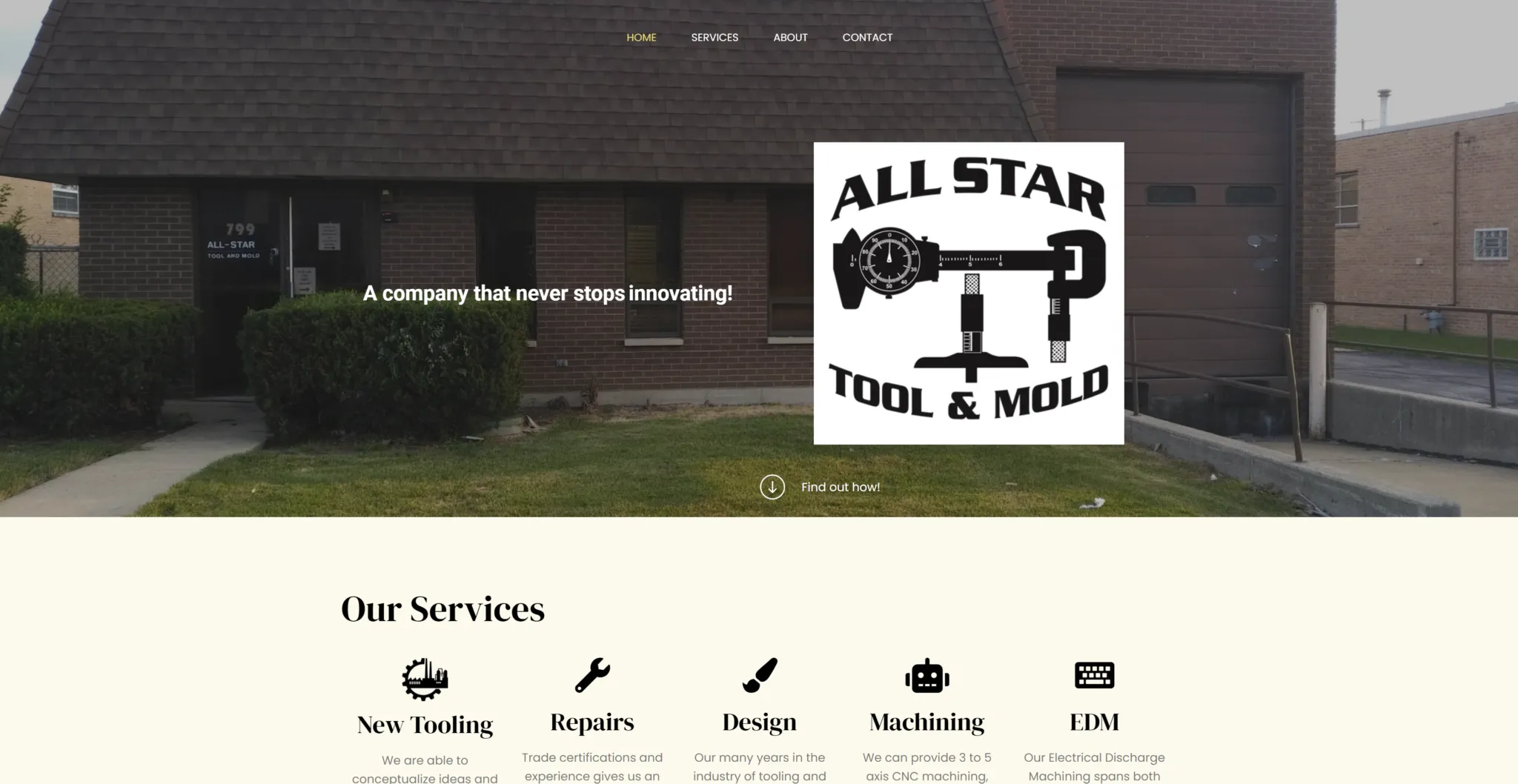
The site used to live at the domain below. Since the business, All Star Tool and Mold, eventually closed down, I’ll be taking the site offline soon.
https://allstartoolandmold.com/If that link is already down, you can still see what the site looked like through this Internet Archive preview.
The Story
Funny enough, I wasn’t actually looking for freelance work. This personal site was supposed to be my only project for the summer. When I told my parents about it, they were really supportive. Maybe a bit too supportive, actually. My dad assumed I was already a pro and started offering my services to his friends. One of those friends was Sal, who needed a simple site for his machine shop. Since he wanted something minimal, I figured I could handle it.
During our first meeting, we talked through his vision. I put together an outline so he could see the plan before I started building anything.
Sal just wanted a few pages to show off the business and give people a way to get in touch. This was great for me because it meant I didn’t have to deal with complex stuff like live chats or expensive plugins. Since I was still learning, I was glad he wanted to keep things simple.
I brushed up on WordPress and Elementor and got to work. They are pretty intuitive once you get the hang of them. The design part was actually the easy bit. The real challenge turned out to be the backend management and getting the plugins to behave.
I tried to stay on top of backups just in case, but they failed right when the site crashed. I lost a ton of work. Luckily, I had all my notes in Google Docs, so I was able to rebuild everything. After that scare, I upgraded the hosting plan to handle automatic weekly backups. I started on a free tier to save money, but I learned the hard way that paying for a premium plan is worth it just for the peace of mind.
Then there was the SSL setup. SSL is basically what keeps a site secure and encrypts data. It is a must-have for shopping sites, but these days every site needs it. Without it, browsers show a scary “Not Secure” warning and a red unlocked icon in the address bar. I definitely didn’t want to scare away Sal’s customers, so getting that lock icon was a priority.
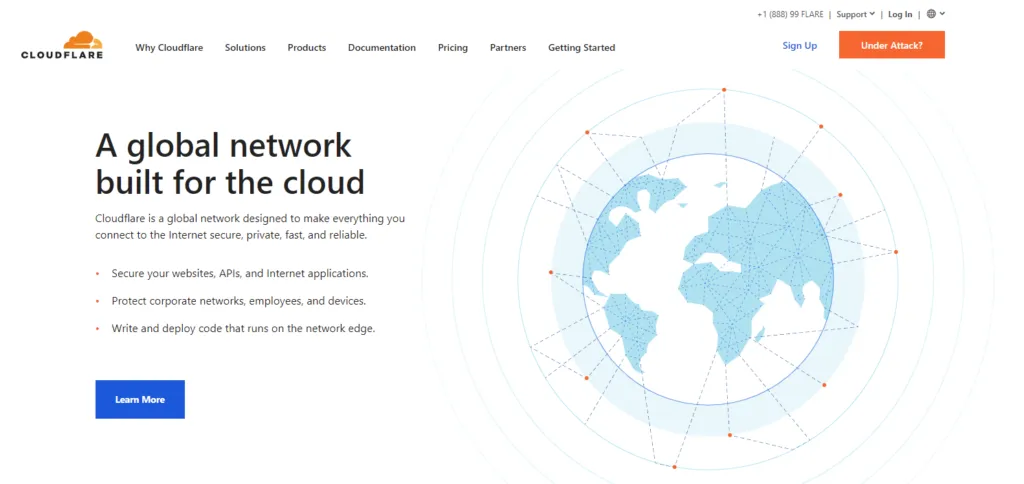
I used Cloudflare for this. It provides a free SSL by sitting between the user and the host. It also acts as a CDN, or Content Delivery Network. Instead of connecting directly to the main server, users connect to a Cloudflare server that is physically closer to them. This makes the site load much faster.
Adding Cloudflare made things a bit more complicated though. I had to coordinate between the host, the domain registrar, and Cloudflare’s DNS settings. Since I was using different providers for everything, I had to manually point IP addresses all over the place. It took a few tries to get right. I ran into issues with SSL rejections and cache problems, which forced me to dive deep into how DNS and CDNs actually work. Eventually, I realized the SSL certificate was stuck on an old setting. Once I refreshed it, everything finally clicked into place.
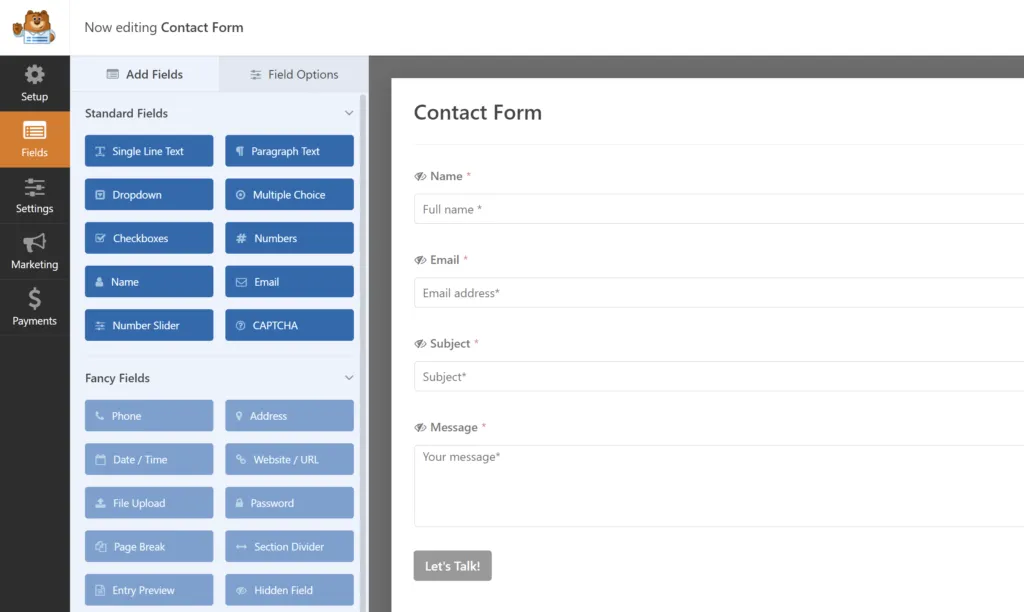
The last hurdle was the contact form. I used a plugin called WPForms Lite so people could easily reach out to Sal. The documentation was a little vague, so it took some trial and error to get the emails routing to the right place and the fields looking just right.
After a lot of learning on the fly, I finished the site and Sal was happy with the result.