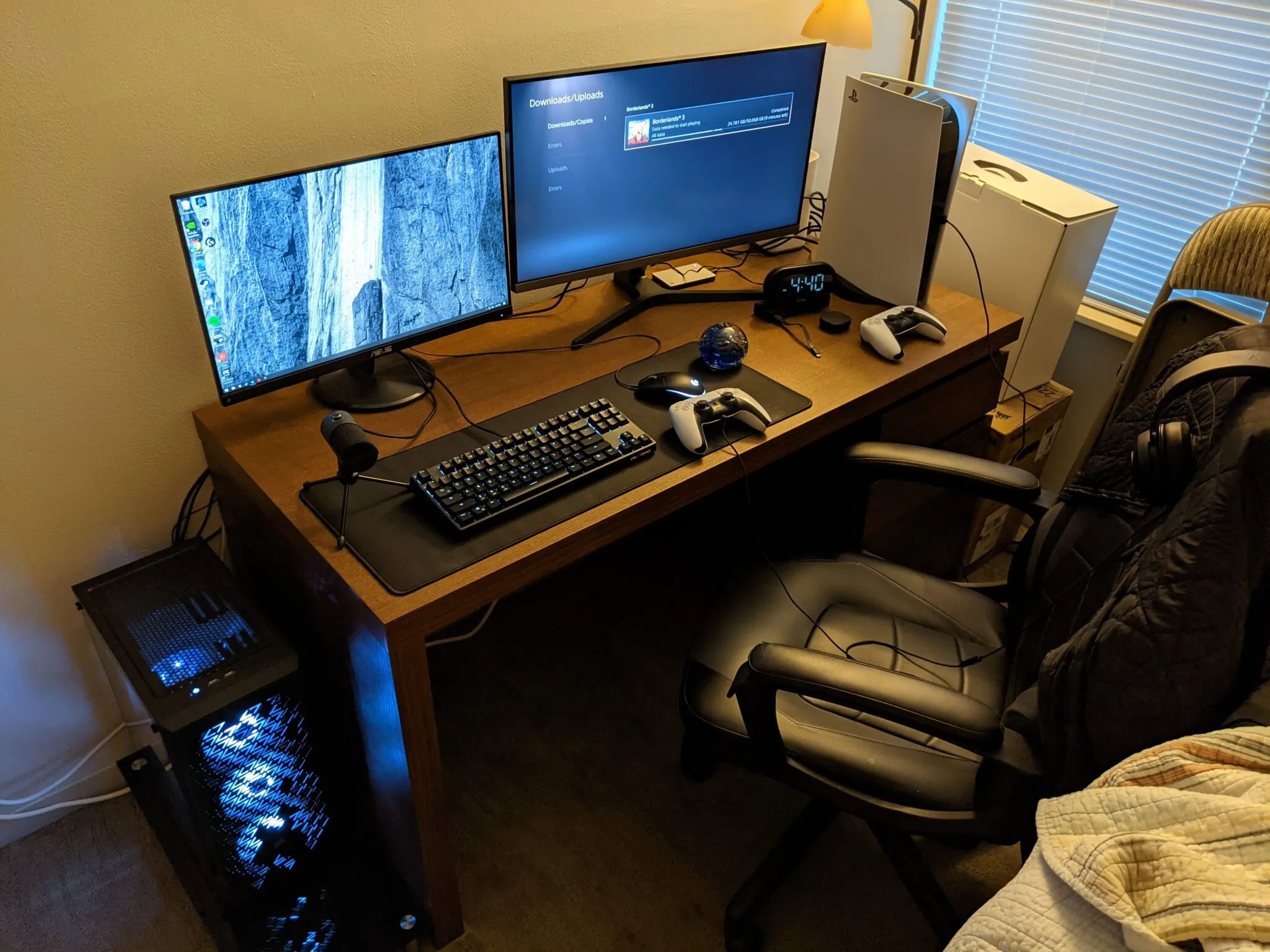
Topics Learned
- RGB installation and software
- Fan installation and software
- Working with different CPU coolers
The Start
My first computer was getting old and hitting its limits. After the upgrade I did at the start of COVID, there wasn’t much room left to improve it. On top of that, it was struggling to keep up with newer games. I wanted to build something with a better foundation, something I could actually upgrade down the road. Here’s what I went with:
- CPU: Ryzen 3 3100
- Cooler: Hyper 212 Black
- GPU: GTX 1660 Super 6GB
- RAM: 16GB (2 x 8GB)
- Motherboard: ASRock B450 Pro4
- Storage: 500GB NVMe SSD and 1TB SATA SSD
- PSU: 600 watt Semi-Modular EVGA Power Supply
- Case: Corsair 220T RGB Airflow Black
- Fans: 3 InWin 120mm Sirius Loop RGB Fans
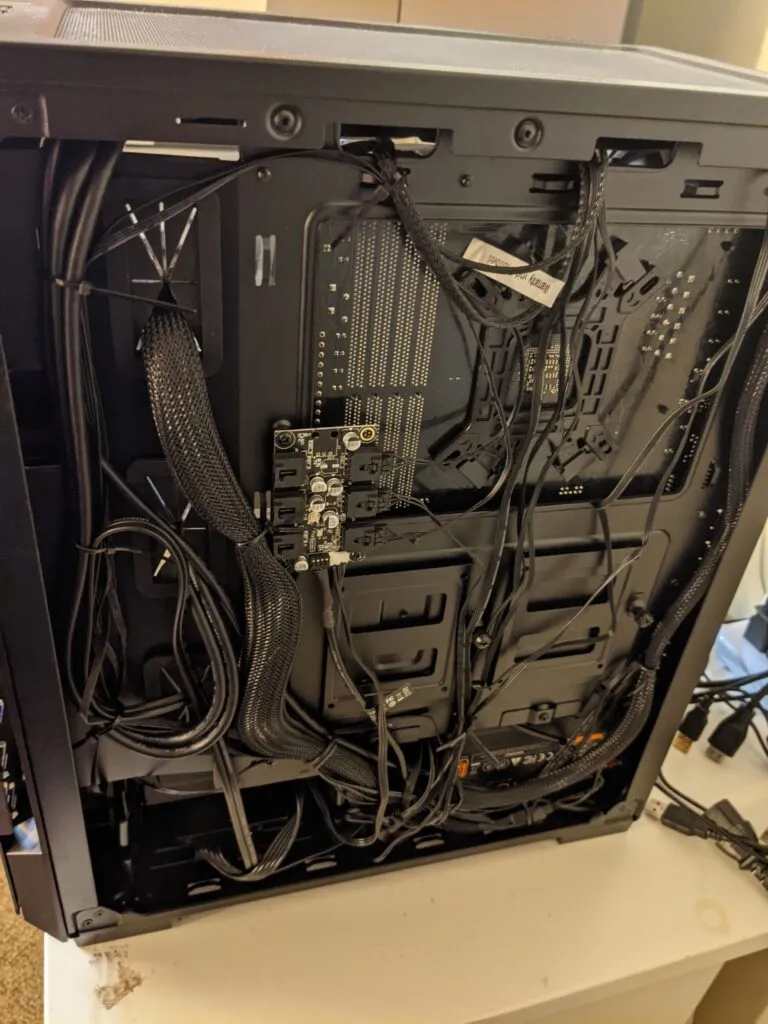
Most of the build went fine, but a few parts gave me real trouble. I’d never dealt with RGB fans before, and wow, they’re annoying. They have twice as many cables as normal fans, and even after plugging them in right, you’ve got to install software to actually control them. It was tedious, but manageable.
The CPU cooler was new territory for me too. This was my first time using a high-performance tower cooler, and it was harder to balance while screwing it in. I messed up the alignment a couple times and had to start over. But once it was in, the cooling performance and quiet operation made it worth the extra work.
The RGB fans themselves were the real nightmare though. They were almost impossible to screw in. I literally had to put the computer on the ground so I could lean my weight into the screwdriver. I’ve never had a fan be that hard to install. It took me about an hour of struggling, but I finally got all three in.
Then came cable management. With so many fan cables and a hidden SATA SSD, space was tight. I had to be really careful with the zip ties. While pulling cables around, I yanked the USB front panel connector too hard and it snapped out of the motherboard socket. The plastic on the socket got ripped, and the pins inside bent completely. I thought I’d actually broken my motherboard. But I grabbed some needle-nosed pliers and carefully bent the pins back straight. The USB connector fit back in, and somehow it stayed put like nothing ever happened. I got lucky there.
After that, everything came together. Windows installed without any issues, and the drivers for the newer hardware were easy to find and worked perfectly. The RGB software actually turned out to be solid too. I expected it to be gimmicky, but it let me control everything exactly how I wanted.