Table of Contents
A dynamic single-page restaurant website built as part of The Odin Project curriculum. This project demonstrates modular JavaScript development and modern frontend tooling. The official instructions for this project can be found here.
Update (July 2026): I have moved this project to Forgejo. I do not have it configured deploy a static demo site so the demo and repo links above still point to GitHub Pages and GitHub, where I originally deployed it. For the Forgejo copy, see my repositories.
Project Overview
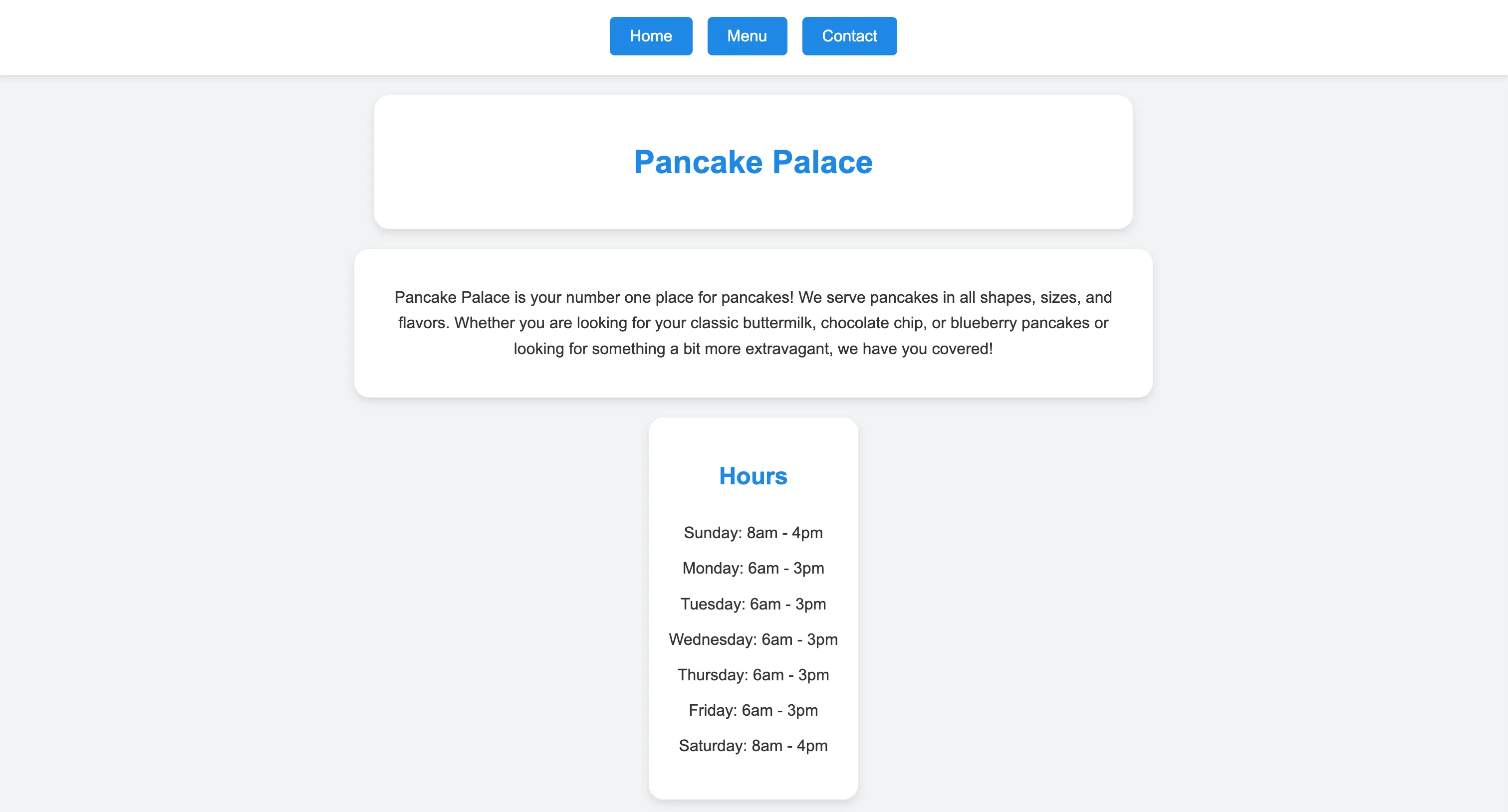
This project is a single-page application for a fictional restaurant called “Pancake Palace”. The entire content of the page is generated dynamically using JavaScript DOM manipulation, as per the Odin Project’s Restaurant Page project. The site features tabbed browsing between Home, Menu, and Contact pages without page reloads.
Skills Demonstrated
Modern JavaScript
- ES6+ Features: Utilizes module imports/exports, arrow functions, template literals, and destructuring for cleaner and more efficient code.
- DOM Manipulation: Demonstrates extensive use of the DOM API to create, modify, and append elements dynamically, building the entire page content with JavaScript.
- Event Handling: Implements event listeners for tab-switching functionality, allowing users to navigate between different sections of the website (Home, Menu, Contact) without page reloads.
Module Bundling with Webpack
- Asset Management: Webpack is configured to bundle JavaScript modules, CSS, and JSON data into optimized files for deployment.
- Development Server: Uses
webpack-dev-serverfor live reloading during development, improving the development workflow. - HTML Generation: Employs
HtmlWebpackPluginto generate the HTML file from a template, injecting the bundled JavaScript. - CSS Processing: Configured
style-loaderandcss-loaderto load and bundle CSS files, allowing for modular CSS management.
NPM and Dependency Management
- Package Management: Utilizes npm to manage project dependencies, including webpack, loaders, and plugins.
Project Organization
- Modular Design: The codebase is structured into modules, promoting code reusability and maintainability.
- Separation of Concerns: Clear separation between data (JSON files), presentation logic (JavaScript modules), and styling (CSS files).
JSON Data Management
- Data Integration: Demonstrates how to load and render data from JSON files into the DOM, creating dynamic and data-driven web pages.
Project Structure
odin-restaurant-page/├── src/ # Source files│ ├── components/ # JS Modules that create page content│ ├── public/ # Static assets and data│ │ └── json/ # JSON data files│ ├── styles/ # CSS files│ ├── main.html # HTML template│ ├── index.js # Entry point│ └── load-page.js # Page loading utility├── webpack.config.js # Webpack configuration└── package.json # Project metadata and dependenciesGetting Started
Prerequisites
- Node.js and npm installed
Installation
- Clone the repository:
git clone https://github.com/jackwaterloo/odin-restaurant-page.git
- Navigate to the project directory:
cd odin-restaurant-page
- Install dependencies:
npm install
- Start the development server:
npx webpack serve
- Open http://localhost:8080 in your browser