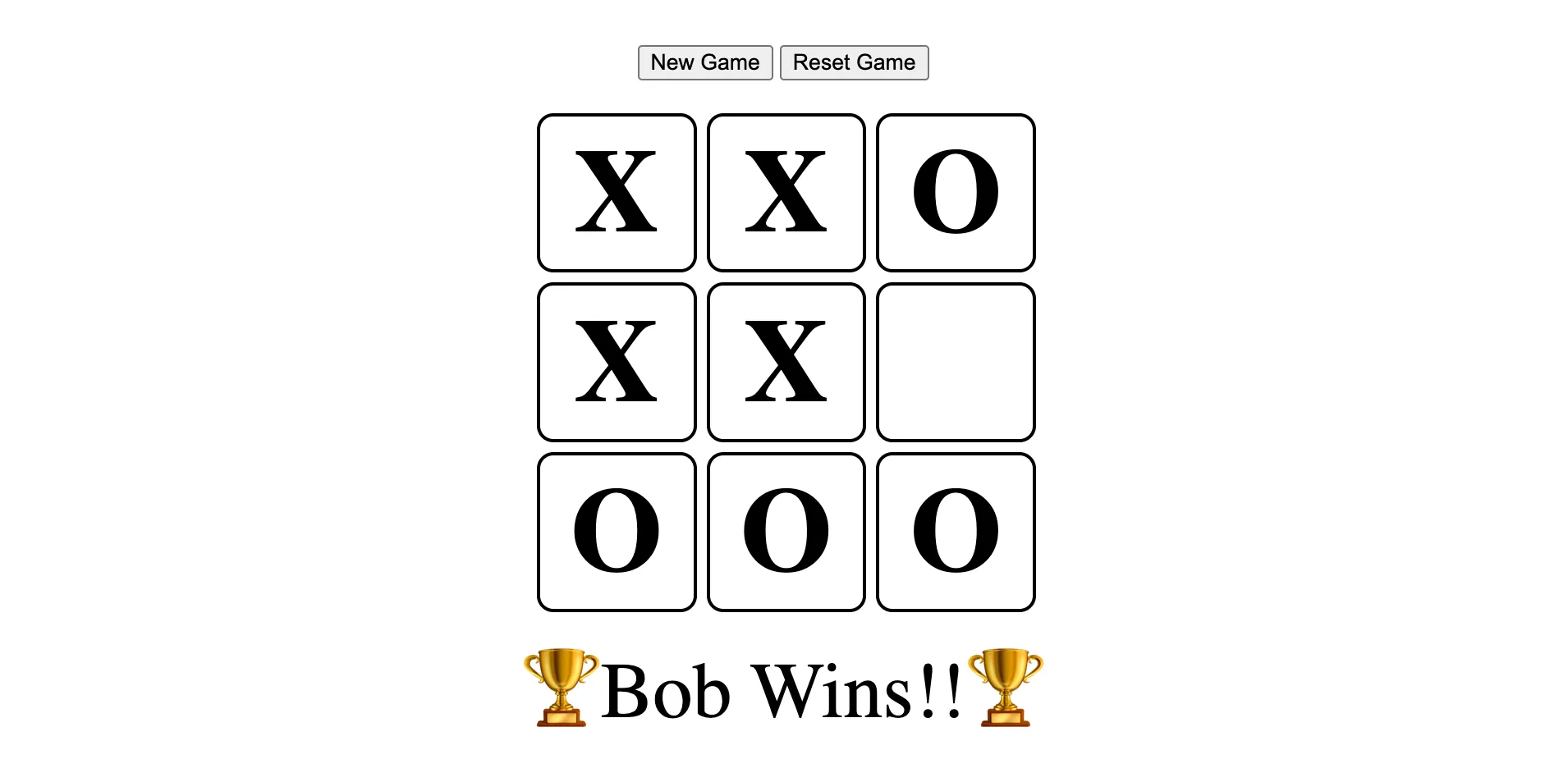
This project is from the Odin Project course which can be found here: https://www.theodinproject.com/lessons/node-path-javascript-tic-tac-toe
Update (July 2026): I have moved this project to Forgejo. I do not have it configured deploy a static demo site so the demo and repo links above still point to GitHub Pages and GitHub, where I originally deployed it. For the Forgejo copy, see my repositories.
I have attached the directions project_tic_tac_toe.md in this repo but the website above will have the most up to date instructions.
JavaScript Skills and Techniques Demonstrated
This project showcases a variety of JavaScript concepts and best practices for web development:
-
Modularity and Encapsulation (IIFE Pattern):
- The game is structured into modules (
GameBoard,GameController,DisplayController) using Immediately Invoked Function Expressions (IIFEs). - This approach encapsulates logic, creates private scopes, and avoids polluting the global namespace, adhering to the principle of least global code.
- The game is structured into modules (
-
Factory Functions:
- The
Playerobjects are created using a factory function, providing a clean way to generate multiple player instances with their own names and markers.
- The
-
Separation of Concerns:
GameBoardModule: Manages the state of the Tic-Tac-Toe board (e.g., storing marks, checking for empty cells, resetting the board).PlayerFactory: Defines the structure and basic properties (name, marker) of a player.GameControllerModule: Orchestrates the game’s logic, including starting the game, managing player turns, checking for win/tie conditions, and resetting the game state.DisplayControllerModule: Handles all DOM manipulation and user interface updates. It renders the game board, displays messages (current turn, winner, tie), manages form visibility, and attaches event listeners to UI elements.
-
DOM Manipulation:
- Dynamic creation and updating of HTML elements to render the game board.
- Use of
document.querySelectorto select DOM elements. - Modification of element content (
innerHTML,textContent). - Manipulation of CSS classes (
classList.add,classList.remove) to control element visibility and styling. - Setting element attributes (
setAttribute) for data binding (e.g.,data-indexon board squares).
-
Event Handling:
- Implementation of interactive gameplay through
addEventListenerfor click events on:- Game board squares (to make a move).
- “New Game”, “Reset Game”, and “Submit Names” buttons.
- Use of
event.preventDefault()to manage default form submission behavior.
- Implementation of interactive gameplay through
-
Core JavaScript Concepts:
- Arrays: Used for representing the game board and managing lists of players.
- Objects: Fundamental for creating modules and player instances.
- Functions: Extensive use of functions, including arrow functions, for organizing code and behavior.
- Conditional Logic:
if/elsestatements for game flow control, win/tie checking, and UI updates. - Loops:
forandfor...ofloops for iterating over the game board and DOM elements. - Scope and Closures: Leveraged through IIFEs and factory functions to create private variables and maintain state.
- ES6+ Features: Utilization of
constandletfor variable declarations, and destructuring assignment for cleaner data extraction.
-
Game Logic Implementation:
- Algorithm for determining win conditions (horizontal, vertical, and diagonal checks).
- Logic for detecting a tie game.
- Turn-based system for alternating players.
- Validation to prevent players from marking already occupied squares.